How to Build a Portable Linux Cyberdeck for Network Analysis
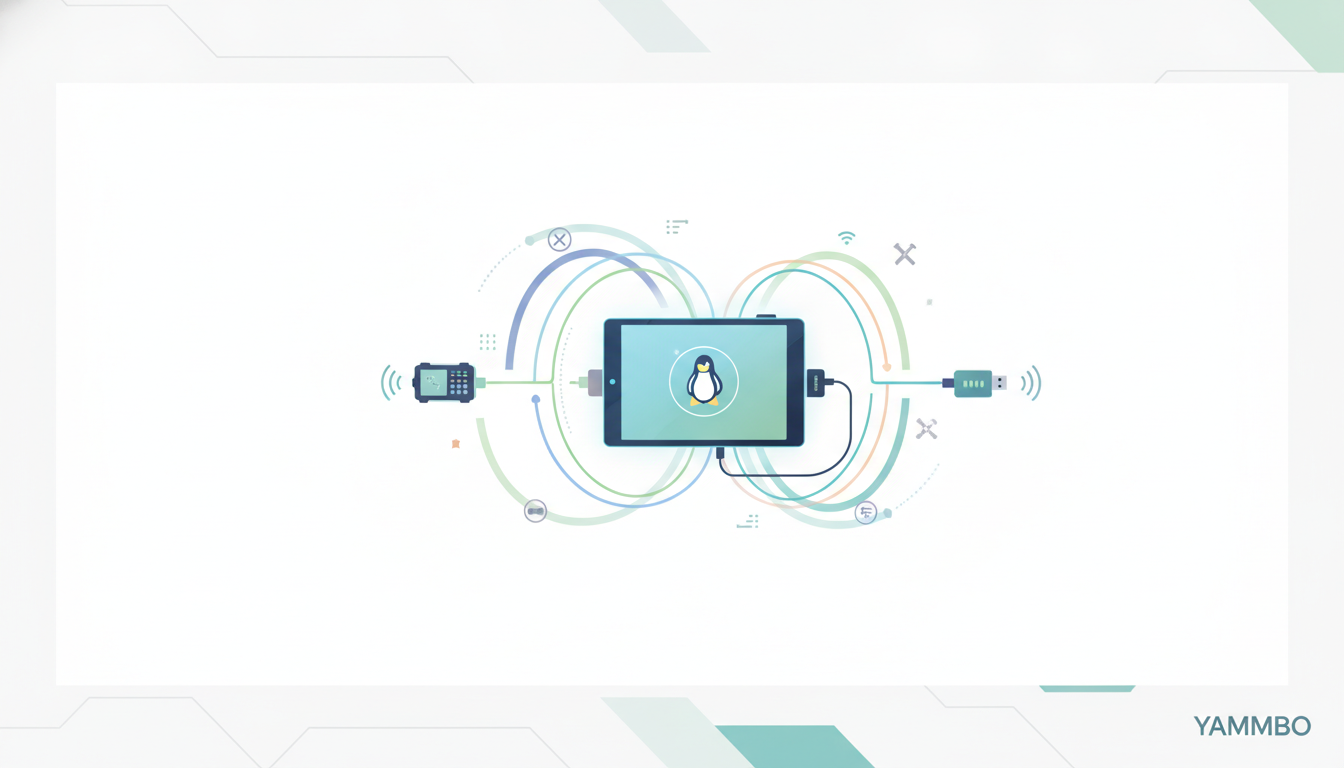
In an increasingly connected world, the need for specialized, highly portable computing tools for tasks like network diagnostics, security auditing, or on-the-go development is more prevalent than ever. Traditional laptops can be cumbersome, and smartphones lack the flexibility and power for advanced operations. This tutorial explores the concept of a 'portable Linux cyberdeck' — a compact, custom-built device optimized for specific technical tasks, offering the power of a full Linux environment in your pocket. We'll delve into the foundational principles, essential hardware, and software considerations to help you understand how such a versatile tool can be conceptualized and constructed.
Step 1: Defining the Purpose of Your Portable Linux Cyberdeck
Before selecting components or writing code, clearly defining the primary purpose of your cyberdeck is crucial. A cyberdeck isn't a general-purpose computer; it's a specialized instrument. Understanding its intended use will guide every subsequent decision, from processing power to connectivity options.
- Network Analysis and Penetration Testing: This is a common application, requiring robust network interfaces and specific software tools. The device might function as an inline Ethernet sniffer, a multi-hotspot bridge, or a VPN gateway.
- Embedded Development and Debugging: For developers working with IoT devices or custom hardware, a portable cyberdeck can serve as a field-ready development environment, capable of compiling code, flashing firmware, and debugging on the go.
- Field Diagnostics and IT Support: Imagine a tool that can diagnose network issues, recover data from storage devices, or reconfigure systems directly on-site without needing a bulky laptop.
- Minimalist 'Survival Desktop': In scenarios where a full workstation is unavailable, a cyberdeck could provide basic computing capabilities, connecting to an external monitor via HDMI for a desktop experience.
A key philosophy behind many such projects is complete openness in both hardware and software. This approach maximizes flexibility, allowing users to understand, modify, and control every aspect of their device without proprietary restrictions.
Step 2: Selecting Essential Hardware Components for Portability
The hardware foundation of a portable Linux cyberdeck must balance compactness, power efficiency, and functionality. Modern embedded systems offer impressive capabilities in tiny form factors.
Processing Unit
The heart of your cyberdeck will likely be an ARM-based Single Board Computer (SBC). These offer a compelling blend of processing power and low energy consumption. Options range from popular boards like the Raspberry Pi series to more powerful Rockchip-based platforms. The choice depends on the computational demands of your defined purpose.
Connectivity
Extensive and versatile network connectivity is paramount for a device focused on network analysis:
- Wireless: Integrated Wi-Fi (ideally Wi-Fi 6E for high speeds and low latency) and cellular (e.g., 5G modem via an M.2 expansion slot or USB dongle) are essential for diverse environments.
- Wired: Multiple Gigabit Ethernet ports provide dedicated interfaces for sniffing or bridging. USB-C ports with Ethernet capabilities can offer additional flexibility for connecting to various networks or acting as an adapter for other devices.
Input/Output and User Interface
Given the portable nature, the display and input methods need to be compact and efficient:
- Display: A small, low-power monochrome or color LCD (e.g., 256x144 pixels) is ideal for displaying critical information and navigating a specialized user interface.
- User Input: A combination of a D-pad, a small touchpad, and custom programmable buttons allows for precise control without a full keyboard and mouse. A dedicated 'back' or 'app-switching' button can enhance usability.
- Ports: Include multiple USB-C (for power and data), USB-A, HDMI (for external display), a 3.5mm audio jack, a MicroSD card slot for expandable storage, and a Nano SIM card slot for cellular connectivity. M.2 expansion slots are valuable for adding NVMe storage or cellular modems.
Power and Storage
A high-capacity battery (e.g., 7000 mAh or more) is vital for extended field use, coupled with efficient power management circuitry. For storage, 64GB or more of internal eMMC or NVMe storage provides ample space for the operating system, tools, and collected data. At least 8GB of RAM is recommended for smooth operation of a modern Linux distribution and its tools.
Step 3: Crafting a Specialized Linux Software Environment
The software stack is where your cyberdeck truly comes alive, transforming raw hardware into a powerful, task-specific tool. The emphasis here is on a lean, efficient, and highly customizable Linux setup.
Operating System and Kernel
Leveraging the mainline Linux kernel ensures broad hardware compatibility and access to the latest features and security patches. For the distribution, a robust, open-source base like Debian is an excellent choice, offering stability and a vast repository of software. For security-focused applications, a specialized distribution like Kali Linux provides a pre-configured suite of penetration testing tools.
A critical aspect, aligning with the open philosophy, is to avoid proprietary binary blobs in the operating system and firmware. This commitment ensures transparency, auditability, and complete control over the device's behavior.
Minimalist User Interface (UI)
Interacting with a full-fledged desktop environment on a small screen with limited input devices can be cumbersome. This necessitates a custom, minimalist UI designed specifically for the cyberdeck's form factor and input methods. Imagine a shell or application launcher tailored for D-pad navigation, wrapping common command-line utilities into an intuitive interface.
For example, network diagnostic tools like ping, nmap, and traceroute can be integrated into this UI, allowing users to execute complex commands with a few button presses. Similarly, tools for capturing and analyzing network traffic, such as tcpdump, can be made accessible through this streamlined interface.
Customization and Tools
The beauty of a Linux-based cyberdeck lies in its customizability. You can install precisely the tools you need and remove everything else to minimize resource consumption and potential attack surface. Beyond network utilities, consider:
- Scripting Languages: Python, Bash, and Perl are invaluable for automating tasks and developing custom scripts.
- Development Toolchains: Compilers (GCC, Clang) and debuggers (GDB) for on-device development.
- Security Frameworks: Specialized tools for vulnerability scanning, exploitation, and forensics.
Step 4: Implementing Practical Applications and Customizations
With your hardware assembled and software configured, your portable Linux cyberdeck is ready for a wide range of practical applications. Its open nature encourages continuous customization and expansion.
Versatile Network Utility Toolkit
- Multi-Hotspot Bridging: Create secure, segmented network bridges on the fly, useful for isolating devices or creating temporary test networks.
- Inline Ethernet Sniffing: Position the device between two network points to passively capture and analyze traffic, invaluable for diagnosing connectivity issues or monitoring data flow.
- VPN Gateway: Establish a secure VPN connection for all devices connected through your cyberdeck, ensuring privacy and secure access to remote networks.
- USB Wi-Fi/Ethernet Adapter: Extend the network capabilities of other devices by acting as a powerful external Wi-Fi or Ethernet adapter, leveraging its advanced networking hardware.
Development and Security Operations
Beyond networking, the cyberdeck can serve as a potent platform for:
- On-the-Go Development: Carry your essential development environment with you, enabling code compilation, testing, and debugging directly in the field.
- Penetration Testing: Utilize its specialized tools and connectivity to perform security audits, vulnerability assessments, and ethical hacking exercises.
Multimedia and Utility Functions
While specialized, a cyberdeck can also be adapted for other uses:
- Media Platform: With an HDMI output, it can transform into a compact media center, running applications like Kodi to stream content on any compatible display.
- Thin Client: Connect to remote desktops or cloud services, using the device as a secure, portable terminal.
The open-source nature of both the hardware and software means that your cyberdeck is a living project. You can continuously modify, upgrade, and expand its capabilities to meet evolving needs, making it a truly personal and powerful tool.
Building a portable Linux cyberdeck is an exciting journey into specialized computing, offering unparalleled control and versatility for technical tasks. For more insights into leveraging technology for creative solutions, explore the resources available at https://yammbo.com.