A Guide to Enhancing Digital Security with a Password and Email Alias Manager
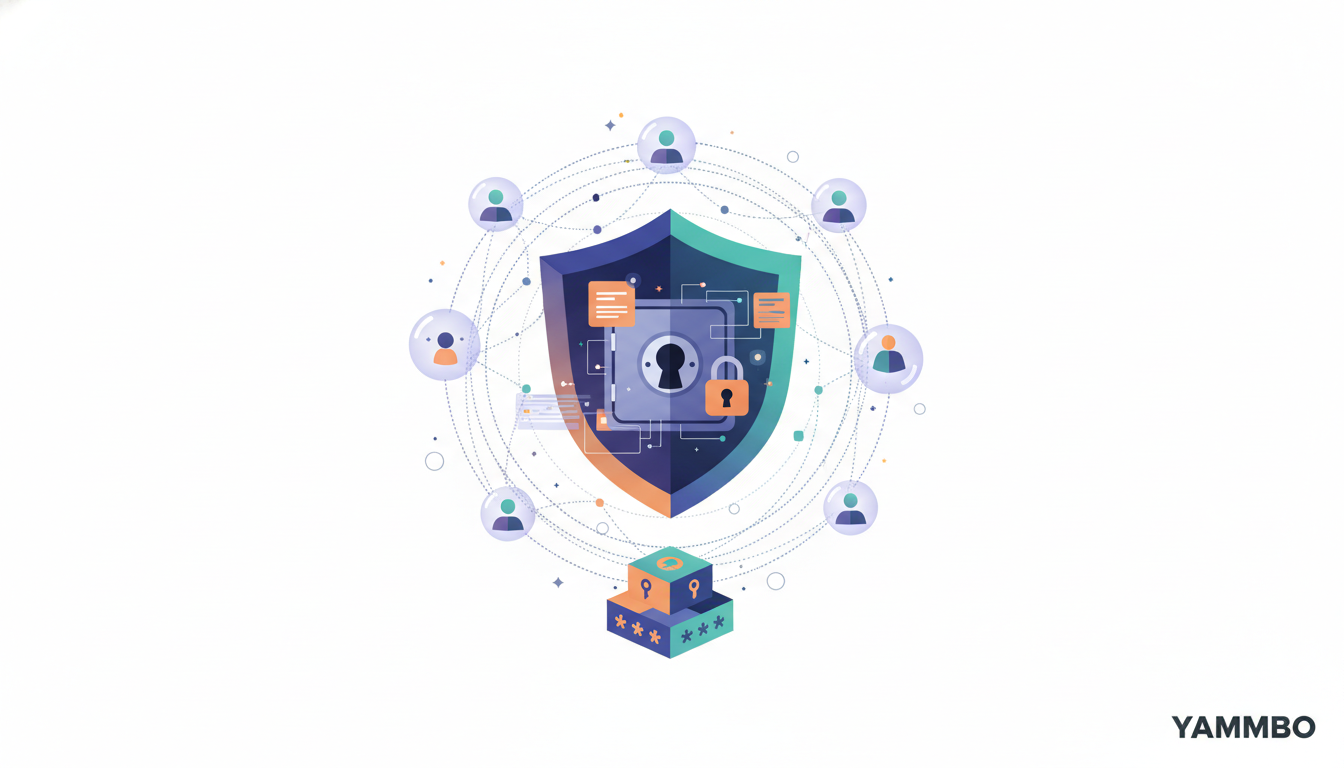
In today's digital landscape, managing countless online accounts and safeguarding your personal information can feel overwhelming. Reusing passwords is a significant security risk, and sharing your primary email address across numerous services can lead to unwanted spam and privacy concerns. This tutorial will guide you through using a powerful tool that addresses both challenges: a combined password and email alias manager. We'll explore how such a manager, exemplified by AliasVault, can help you generate strong, unique passwords and create disposable email aliases, significantly enhancing your online security and privacy.
Step 1: Understanding the Core Concepts of a Digital Vault
Before diving into the specifics, it's crucial to grasp the fundamental concepts that make a digital vault indispensable for modern online security.
- Password Management: A robust password manager does more than just store your credentials. It generates complex, unique passwords for each service, encrypts them, and securely stores them in a digital vault. This eliminates the need for you to remember dozens of different passwords, reducing the temptation to reuse weak ones. The best managers operate on a zero-knowledge architecture, meaning even the service provider cannot access your vault's contents without your master password.
- Email Aliases: An email alias is a unique, disposable email address that forwards messages to your primary inbox. Instead of using your real email when signing up for a new service, you create a specific alias for it. If that service experiences a data breach or starts sending spam, you immediately know the source and can deactivate the alias without affecting your main email address. This provides an invaluable layer of privacy and control.
- Open Source and Self-Hostable: Many advanced digital vaults, including AliasVault, are open source. This means their code is publicly available for scrutiny, fostering transparency and trust. Furthermore, the option to self-host allows you to maintain complete control over your data by running the service on your own server infrastructure, rather than relying on a third-party cloud.
Step 2: Initial Setup and Securing Your Vault
Getting started with a digital vault like AliasVault typically involves a straightforward setup process, prioritizing security from the outset.
- Account Creation: Begin by navigating to the service's web interface. For AliasVault, you'll typically be asked to choose a username. A notable privacy feature of some managers is that they do not require an email address at this initial signup stage, minimizing the identifying information collected.
- Review Terms and Conditions: As with any online service, take a moment to review the terms and conditions. These documents outline your responsibilities and the provider's liabilities. For privacy-focused tools, these terms are often concise and emphasize user data ownership and security.
- Set Your Master Password: This is the most critical step. Your master password is the single key to your entire vault. Given the zero-knowledge architecture, if you lose or forget this password, your encrypted data will be permanently inaccessible. Therefore, it is paramount to create an extremely strong, unique master password. Most managers provide a strength indicator during setup to guide you. Consider using a passphrase — a series of unrelated words — for maximum security and memorability.
- Data Import (Optional): If you're transitioning from another password manager (such as 1Password, Bitwarden, KeePass, or even browser-based options like Chrome or Firefox), many digital vaults offer an import feature. This allows you to seamlessly migrate your existing credentials into your new vault, saving significant time and effort. Look for an 'Import' button on the empty vault screen after initial setup.
Step 3: Adding and Managing Your Credentials
Once your vault is set up, the next step is to populate it with your login information and other sensitive data.
- Adding New Entries: Most managers feature a prominent 'New' or '+' button. Clicking this typically presents options to add different types of entries, such as:
- Login: For usernames, passwords, and website URLs.
- Alias: For creating and managing email aliases.
- Card: For securely storing credit card details.
- Note: For encrypted free-form text, like software licenses or recovery codes.
- Creating a New Login Entry: Select the 'Login' option. You'll then input the website's URL, your username, and a strong password. Many managers include a built-in password generator. Always use this feature to create complex, unique passwords for new accounts.
- Enhancing Login Entries: Beyond the basic login details, you can often add more context and security to each entry:
- Email Address: The specific email used for that account.
- Notes: Any additional relevant information.
- Two-Factor Authentication (2FA) Secret: For generating time-based one-time passwords (TOTP), integrating 2FA directly into your vault.
- File Attachments: Securely store related documents or images.
- Custom Fields: For any unique data points specific to that login.
- Organizing Your Vault: Keeping your vault tidy is essential for efficient management. Look for features that allow you to create folders or tags. This helps categorize your entries (e.g., 'Work', 'Personal', 'Shopping') and quickly locate specific credentials when needed.
Step 4: Leveraging Email Aliases for Enhanced Privacy
The email alias feature is a powerful privacy tool, allowing you to protect your primary email address from spam and data breaches.
- Generating an Alias: When signing up for a new online service, instead of providing your real email, navigate to the 'Alias' section of your manager. Here, you can generate a unique email alias specifically for that service. This alias will typically forward any incoming mail to your designated primary email address.
- Unique Digital Identity: For each new service, you create a complete, unique digital identity: a specific username, a strong generated password, and a dedicated email alias. This compartmentalization ensures that if one service is compromised, the breach is isolated to that unique identity, not your overarching online presence.
- Identifying Data Leaks: If you start receiving spam or suspicious emails at an alias you created for a specific service, you immediately know which service has either sold your data or experienced a breach. This empowers you to take targeted action, such as deactivating that specific alias, without affecting your main email.
- Controlling Spam: Should an alias become a target for excessive spam, you can easily deactivate or delete it within your manager. This effectively cuts off the spam source without having to change your primary email address.
Step 5: Exploring Self-Hosting Options (Advanced)
For users who desire ultimate control over their data, many open-source digital vaults offer self-hosting capabilities.
AliasVault, for example, provides a full self-hosting path via Docker. This means you can deploy the entire service on your own server infrastructure, whether it's a home server, a virtual private server, or a dedicated machine. Self-hosting ensures that your encrypted data never leaves your direct control and is stored exactly where you choose. While it requires a greater degree of technical expertise for setup and maintenance, it offers unparalleled data sovereignty and peace of mind for those who prioritize it.
Conclusion
Adopting a comprehensive password and email alias manager like AliasVault is a significant step towards a more secure and private online life. By centralizing your credentials, generating robust passwords, and creating disposable email aliases, you gain greater control over your digital footprint and reduce your vulnerability to common online threats. Take the time to implement these practices, and you'll build a stronger defense against the complexities of the internet. For more tools and resources to help manage your digital presence, visit Yammbo.